Events
What it is
An event is a one-off happening — a tournament, a social, a special clinic — that takes place on a single date and never repeats. That's what sets it apart from a recurring session: a session is the regular commitment your org runs every week from one repeat pattern, while an event is set up once for one date and that's it.
An event also runs on its own registration window, separate from the event's own date: admins set a start time when registration opens and, optionally, an end time when it closes. That window doesn't have to line up with the event date — registration can close before the event even happens if the event itself is later. Players confirm Yes or No for an event during that window, the same way they RSVP to a session; anyone who hasn't responded yet just shows up as awaiting a response.
Setting up an event
Admins create an event by filling in:
- Name, date, location, and description
- Price and max players (the capacity — how many can register)
- The registration window — when registration opens, and optionally when it closes
Event creation is available on both clients, with the same fields:
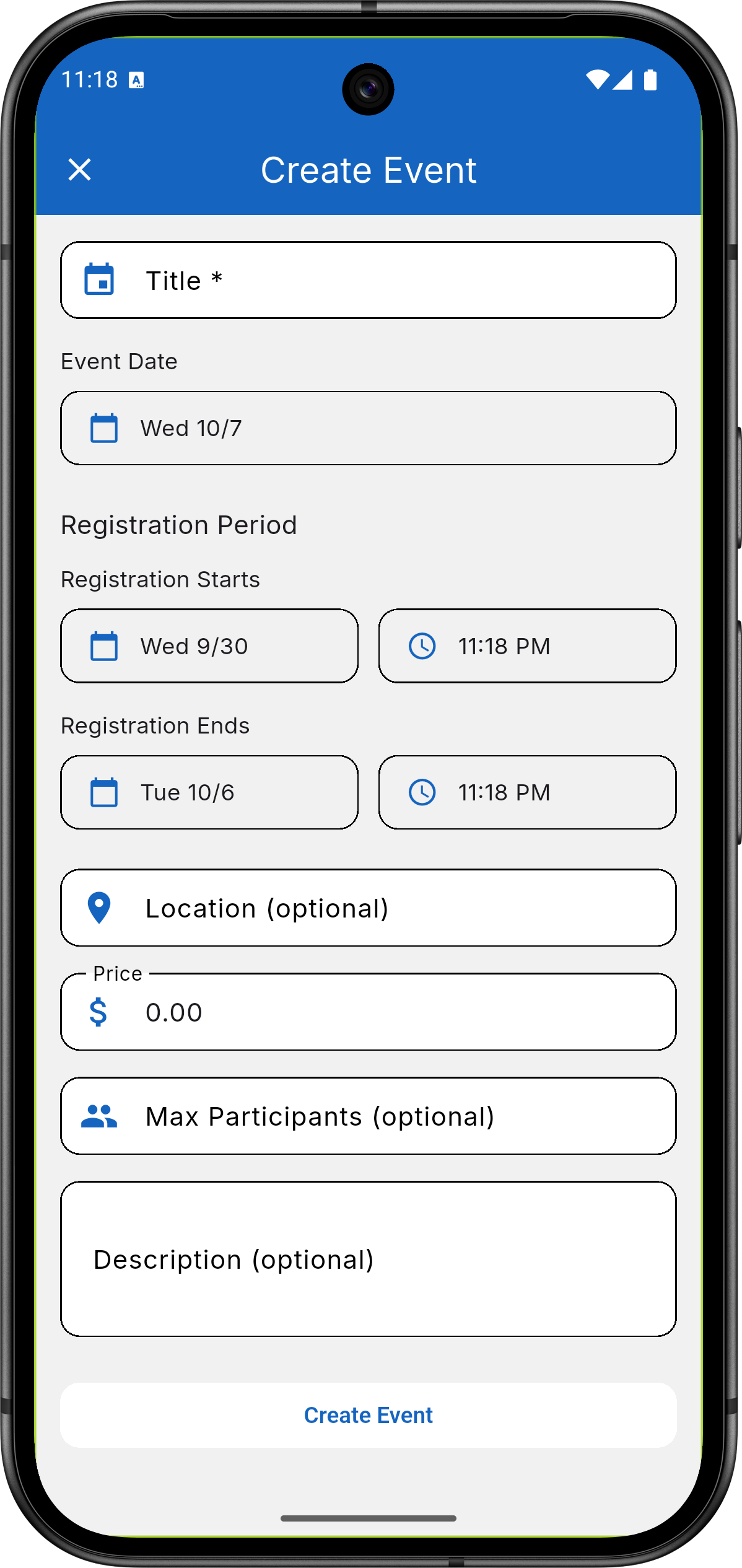
Mobile app — admin creating a one-off event, showing the
registration window and capacity fields.
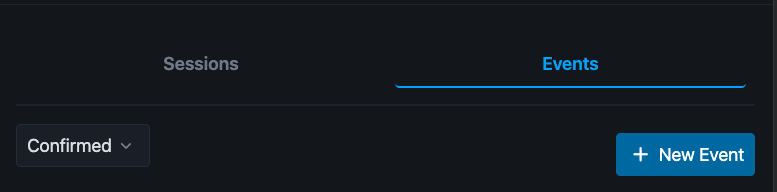
Web app — the Events tab, where admins see the "+ New Event"
button.
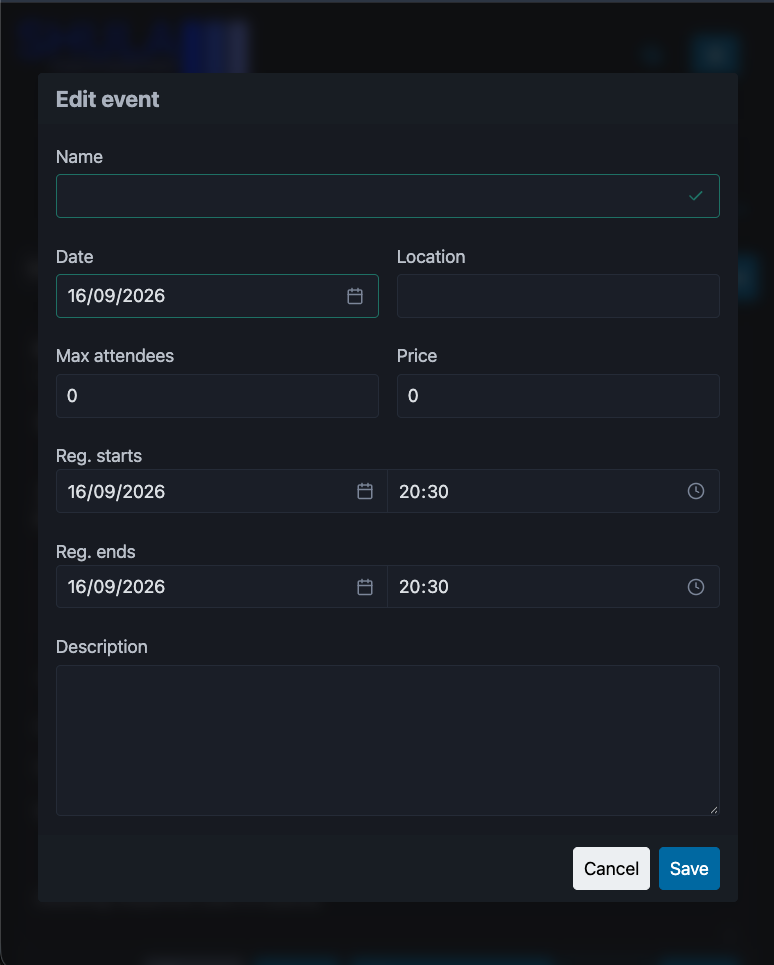
Web app — the event form, with the same registration window and
capacity fields as mobile.
Once an event is live, admins can see how many players have registered against the capacity they set. If plans change, an admin can cancel or archive the event — either one sends a cancellation email to everyone who had already registered.
The player experience
Registering is a mobile-only player action today — see Web vs. mobile. Players can confirm Yes or No for an event any time its registration window is open, and can change their answer — including switching back from a No — as long as registration is still open; once the window closes, that answer is locked in.
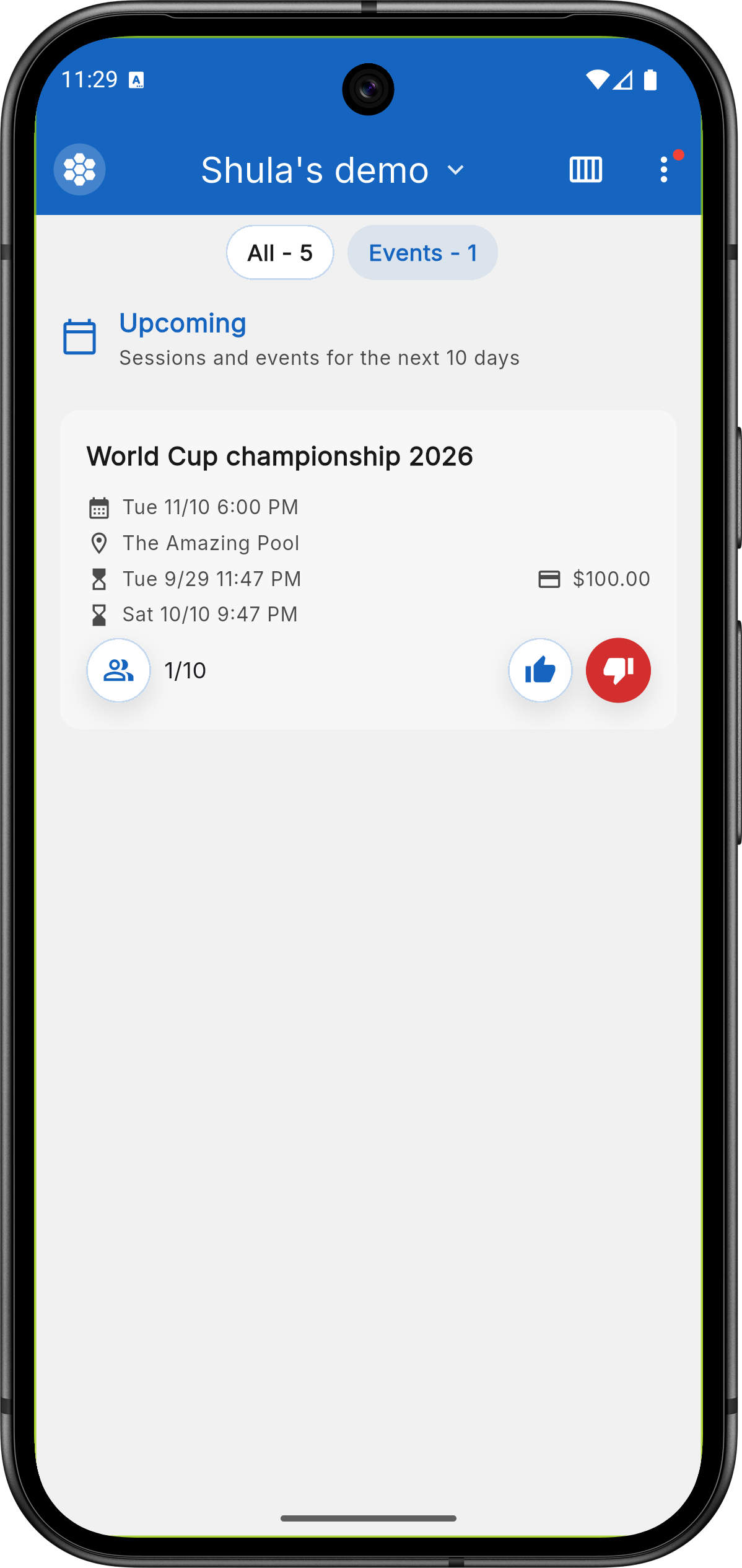
Mobile app — player's events list, with each card showing the
registration window and the Yes/No controls.
If your org has payments enabled, registering for a paid event debits your balance the same way a session does — see Payments for how that works. Admins can also message everyone registered for a specific event directly, through Announcements.
Related
- Recurring Sessions — the repeating counterpart to a one-off event.
- Payments — how an event's price gets charged to a player's balance.
- Announcements — messaging everyone registered for an event.